Arrival and departure for every truck, with the plate, the trailer number and a clip of each.
Answer the next detention invoice the same day
Dwellmark puts AI on the gate and dock cameras your warehouse already has. Every truck is timed from gate to door to gate, with a clip for each time.
Free, answer in three working days. Nothing to install to find out.
- Your existing camerasAI on the gate and dock cameras you have.
- Faces blurredBefore any clip is stored.
- Three-day answerSend screenshots and one past invoice.
- $45 a dock doorA month. Published price, no site fee.
The carrier has a time for every truck. You have a sign-in sheet, the radio and someone’s memory.
- Gate inTrailer number read
- At door 14Matched to the trailer
- Door clear2 h 19 min at the door
- Gate out2 h 49 min on site
- 49 minpast free time
With Dwellmark, each of those times has a clip. When the invoice lands, you check it line by line and answer the same day.
What the AI catches at your gate and doors.
The AI reads the trailer number as the truck passes. Any read it isn’t sure of goes to a review screen for your clerk to confirm.
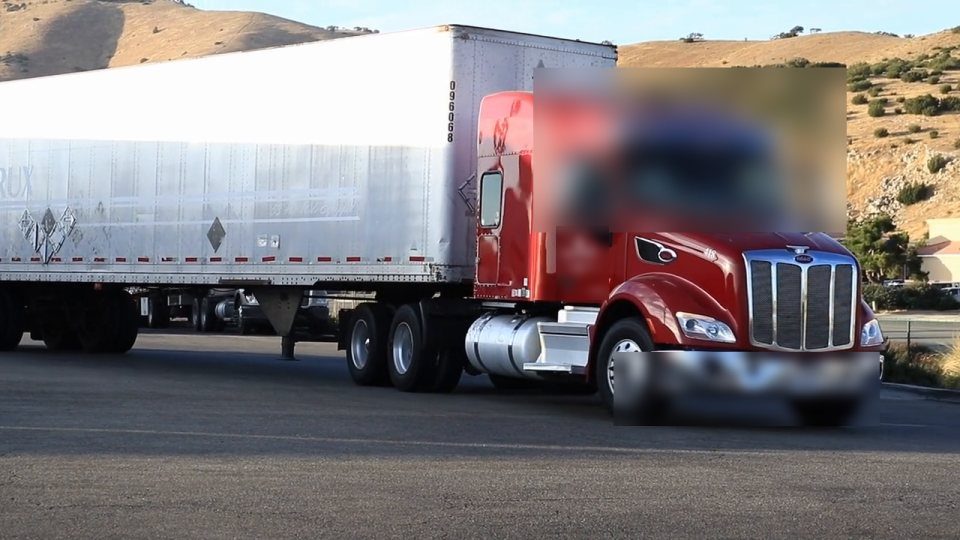
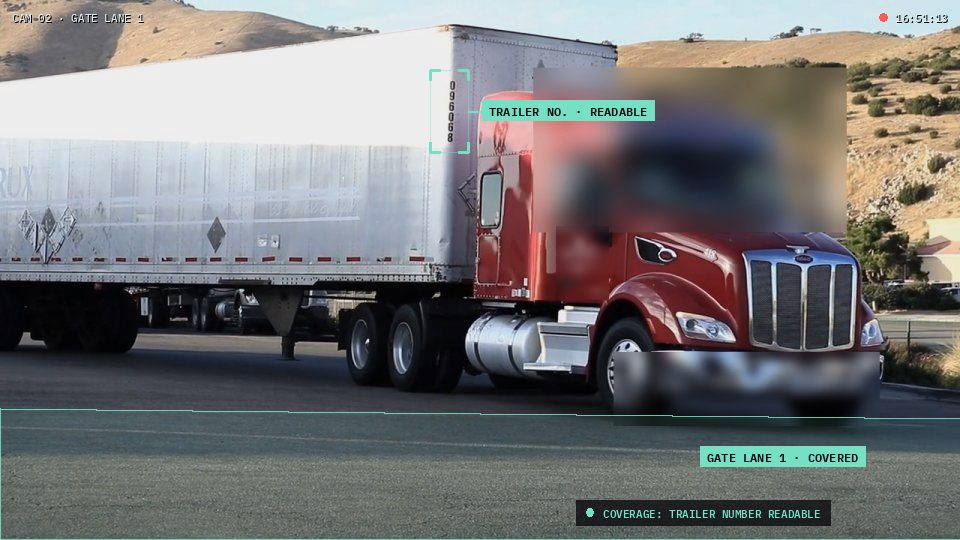 Read at the gate lanes you connectLaneGate lane 1 · CAM 02SawTrailer number on the noseCheckReadable from this viewLoggedLinked to the gate timeSample readout. Mock-up on a stock still, marked by hand. Not a customer site
Each dock door is marked busy or free and linked to the trailer read at the gate. You get dock turn time per door, per carrier and per client.
We key in each carrier’s and client’s free-time terms. The clock runs from arrival or appointment, and you get an email or Teams message before it runs out.
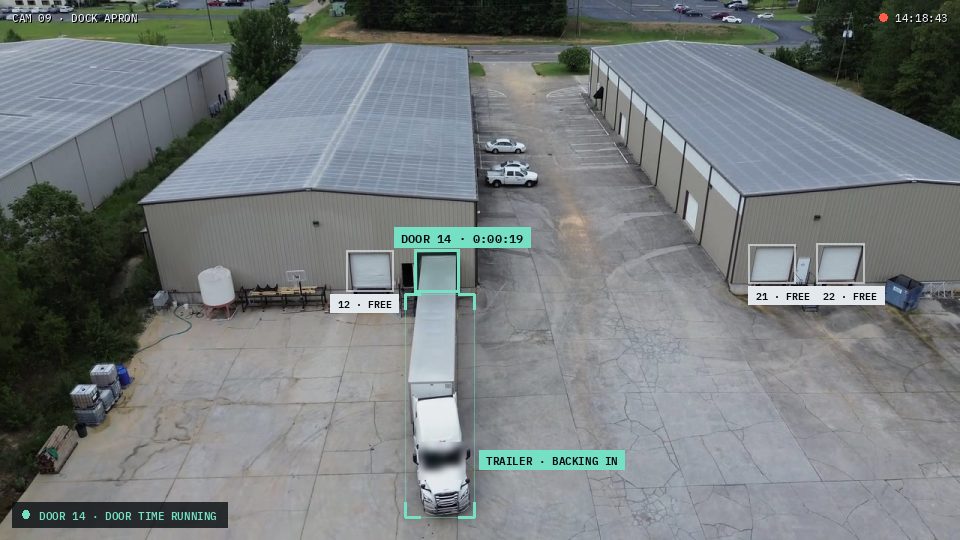 Each carrier’s free time, counted from arrivalDoorDoor 14 · CAM 09SawTrailer backing inRule2 h free from arrivalLoggedAlert before it runs outSample readout. Mock-up on a stock still, marked by hand. Not a customer site
Yard and people footage: Mixkit. Camera views: off-the-shelf model on stock footage, or mock-ups marked by hand. Not a customer site. Times are illustrative.
A dispute pack you can send the same day
One page per load: the appointment, the gate and door times, a clip for each, and the free-time arithmetic.
DwellmarkDispute packSample layout · not real data
Load 88214 · Trailer TRL 4471
Times, each with a clip
 Gate inLane 1 · trailer number read
 At door 14Matched to the trailer
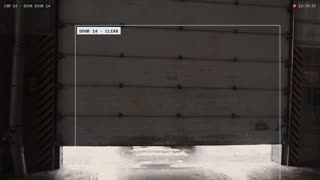 Door clearDoor 14 free
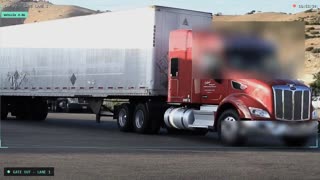 Gate outLane 1
Time on site
Free-time arithmetic
- Gate in to gate out
- 2 h 49 min
- Free time, from arrival
- − 2 h 00 min
- Past free time
- 49 min
- Billed on the invoice
- 1 h 45 min
- Difference to query
- 56 min
Every line can be checked against your sign-in sheet, appointment schedule and bill of lading. We can’t promise a carrier will accept it.
Dwellmark alertSample
20 minutes of free time left at door 9
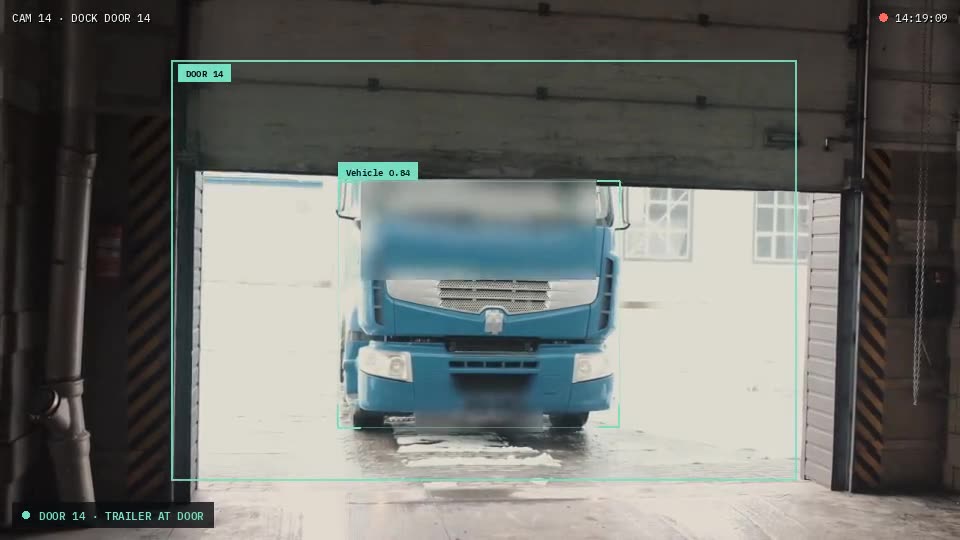
- Trailer
- TRL 5290
- Carrier
- Sample Carrier
- Clock
- Arrived 13:22 · free until 15:22
Alerts go by email or Teams before free time runs out. Every month you also get a turn-time report per client, under your own name.
Set up remotely. No box, nothing to ship, nothing to buy from us.
- Your camerasThe gate and dock cameras you already have.
- The connectorSmall software on a PC you already have. We install it remotely.
- One connection outEncrypted and outbound-only, to our cloud.
- DwellmarkAI times every truck, reads trailer numbers and blurs faces before a clip is stored.
- Your clerkThe ledger, free-time alerts and a dispute pack per load, as a PDF.
Will my cameras work?
- Dock door cameras usually work as they are.
- If a gate lane can’t be read, your own installer adds a standard camera. The free check tells you in writing.
- Trailer numbers are harder to read at night and in rain. The check says which lanes we can read.
- No yard system needed. Appointments come in from a spreadsheet.
- IT approves one small connector. The pilot includes an IT sheet with the details.
What it doesn’t do
- Win the dispute. It gives you the record; the carrier still decides.
- Keep video on site. Video goes, encrypted, to our cloud.
- Identify drivers. Faces are blurred before a clip is stored; plates and trailer numbers are kept.
- Quote an accuracy figure up front. The pilot measures the match rate against your own gate log.
- Make you compliant with any rule or standard.
See a dispute pack built from your own invoice before you pay anything
Start with a free camera check. Then decide whether a 30-day pilot is worth it.
- 01
Free camera check
Send a few camera screenshots and one past detention invoice. In three working days you hear which lanes and doors we can time, and get a sample dispute pack built from your invoice and our demo footage.
Free
- 02
30-Day Detention Dispute Pilot
Billed on day 30 with the report. Credited in full if you continue.
$750
- First 48 hoursFirst trucks in the ledger, once connected.
- Week 1Your first dispute pack.
- Day 14Match-rate report against your gate log.
- Day 30Pilot report and review call.
- 03
Keep it running
Gate lanes included. No site fee, stop any month, or pay $459 a door for the year. The first 12 founding sites keep this price for 18 months, in return for a case study and a reference call.
$45per dock door, per month
The 95-in-100 Match Guarantee
If we miss or mis-time more than 5 in 100 trucks on the lanes we agreed, you pay nothing and keep the report.
Get my free camera checkLanes and doors are agreed in writing after the camera check. The count is checked against your own gate log over the two comparison weeks.
The pilot includes a free-time rule sheet (we key in your carriers’ terms), a client turn-time report under your name, dispute reply templates, an IT sheet and a driver notice pack. We start four pilots a month.Before you send a screenshot
01Do I need new cameras?
Usually not at the dock doors. The camera check tells you in writing if a gate lane needs one. If it does, your own installer adds a standard camera. There is nothing to buy from us.
02Does our video leave the site?
Yes. It goes encrypted, over one outbound-only connection, to our cloud. Faces are blurred before any clip is stored.
03Will carriers accept the pack?
We can’t promise that. Every line in it can be checked against your own records.
04What AI does it use?
Computer vision models that find trucks and trailers in your camera views, read plates and trailer numbers, and tell when a dock door is busy or free. Any read the AI isn’t sure of goes to a review screen for your clerk to confirm.
05How accurate is it?
It depends on camera angle, light and weather, so we don’t quote a number before it’s measured on your lanes. In the pilot, the ledger runs against your own gate log and you get the match rate on day 14.
06Do we need a yard system?
No. Appointments come in from a spreadsheet.
07What does IT need to approve?
One small connector on a PC you already have, with one encrypted, outbound-only connection to our cloud. The IT sheet covers the connector’s requirements, upload per camera and data retention.
Answer the next detention invoice the same day
Send a few camera screenshots and one past invoice. In three working days you’ll have a sample dispute pack built from it. The check is free.
- 01Send screenshots and one past invoice
- 02We reply within three working days
- 03You decide. No commitment